.webp)
Overview
YOLO Vision Applications on AMD Ryzen™ AI NPU
Short summary: Real-time YOLO-based computer vision applications (object detection, classification, and segmentation) optimized for AMD Ryzen AI NPU hardware acceleration.
About Advantech Container Catalog (ACC)
Advantech Container Catalog is a comprehensive collection of ready-to-use, containerized software packages designed to accelerate the development and deployment of Edge AI applications. By offering pre-integrated solutions optimized for embedded hardware, it simplifies the challenges often faced with software and hardware compatibility, especially in GPU/NPU-accelerated environments.
| Feature / Benefit | Description |
|---|---|
| Accelerated Edge AI Development | Ready-to-use containerized solutions for faster prototyping and deployment |
| Hardware Compatible | Reduces hardware and package incompatibility issues |
| GPU/NPU Access Ready | Supports passthrough for efficient hardware acceleration |
| Model Conversion & Optimization | Built-in model conversion and quantization recommendations |
| Optimized for CV & LLM Applications | Optimized stacks for vision and language workloads |
Container Overview
This container provides a complete YOLO vision application environment optimized for AMD Ryzen AI NPU acceleration. It includes pre-configured tools for running YOLO11 models in multiple tasks (object detection, classification, and segmentation) with real-time performance on embedded AMD Ryzen systems. The container simplifies deployment by bundling the Ryzen AI runtime, necessary dependencies, and example applications.
Demo
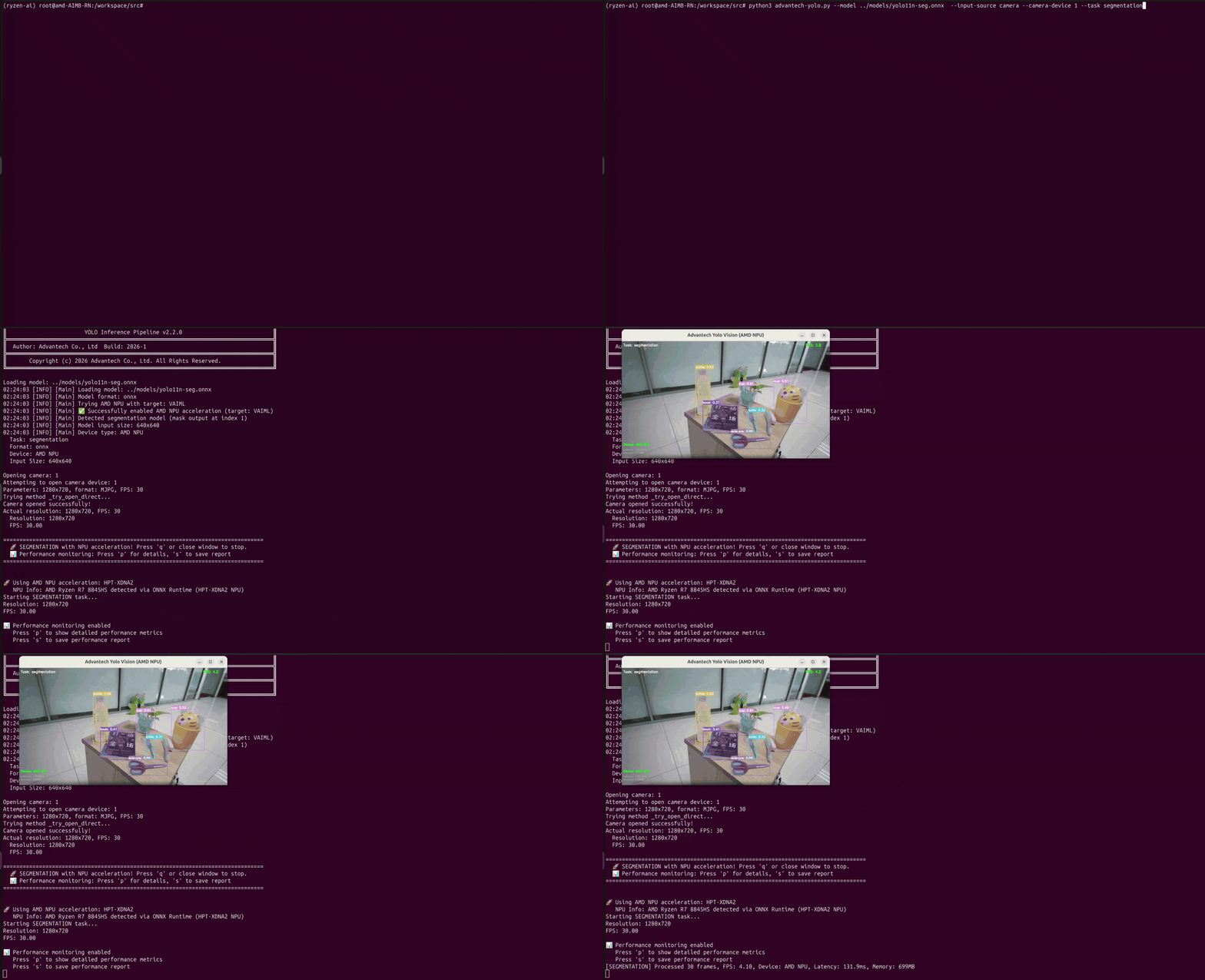
Segmentation:
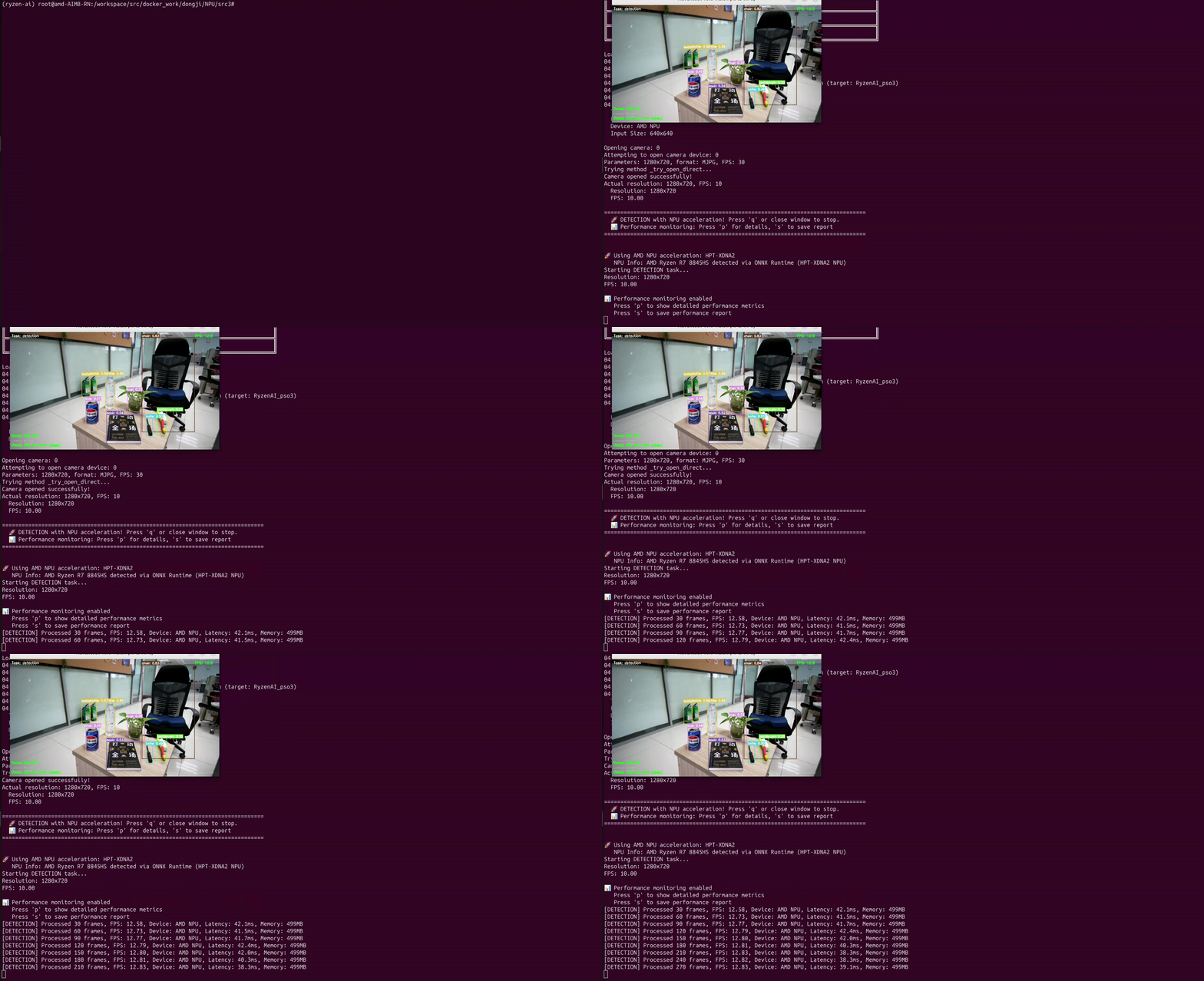
Detection:
Use Case
- Real-time object detection on embedded systems
- Video analysis and monitoring applications
- Instance segmentation for autonomous systems
- Image classification at the edge
- Performance comparison between NPU and CPU acceleration
- Model conversion and optimization for edge deployment
Key Features
- NPU acceleration for real-time YOLO inference
- Support for YOLO11 detection, classification, and segmentation models
- Easy model format conversion (PyTorch to ONNX)
- Dual execution modes: NPU-accelerated and CPU-only for comparison
- Live webcam and video file processing
- Built-in performance diagnostics and benchmarking
- Headless mode for server deployments
- Integrated virtual environment with pre-installed dependencies
Host Device Prerequisites
| Item | Specification |
|---|---|
| Compatible Hardware | AMD Ryzen AI NPU-enabled systems (e.g., AIMB-RN) |
| Platform Version | Ryzen AI NPU Runtime 1.6+ |
| Host OS | Linux (Ubuntu 22.04 LTS recommended) |
| Required Packages | Docker, XRT (Xilinx Runtime), XDNA driver |
Required Software Packages on Host Device
| Component | Version | Description |
|---|---|---|
| XDNA Driver | Latest | AMD Ryzen AI NPU kernel driver and firmware |
| XRT (Xilinx Runtime) | Latest | Runtime for NPU execution and device management |
| Docker | 20.10+ | Container runtime platform |
| Docker Compose | 2.0+ | Multi-container orchestration |
| Boost Libraries | 1.71+ | Required dependency for NPU runtime |
Container Environment Overview
Software Components in the Image
| Component | Version | Description |
|---|---|---|
| Ryzen AI Runtime | 1.6+ | AMD Ryzen AI NPU execution engine |
| Python | 3.10+ | Programming language runtime |
| ONNX Runtime | Latest | Cross-platform inference engine |
| OpenCV | Latest | Computer vision library for image processing |
| YOLO11 | Latest | Object detection/segmentation models |
| PyTorch | Latest | Deep learning framework |
| GStreamer | Latest | Multimedia framework for video processing |
Container Quick Start Guide
For installation, setup, build scripts, and detailed usage instructions, please refer to the Vision-Applications-on-AMD-Ryzen README in the repository.
Supported AI Capabilities
Vision Models
| Model Family | Supported Versions | Notes |
|---|---|---|
| YOLO | YOLO11 (nano, small, medium, large) | Object detection and segmentation |
| YOLO Classification | YOLO11-cls | Image classification tasks |
| YOLO Segmentation | YOLO11-seg | Instance segmentation |
Supported Model Formats
| Format | Support Level | Notes |
|---|---|---|
| ONNX | Full | Primary format for NPU inference |
| PyTorch | Full | Native YOLO format, export to ONNX recommended |
| TensorFlow SavedModel | Supported | Via conversion utilities |
Hardware Acceleration Support
| Accelerator | Support Level | Compatible Libraries | Notes |
|---|---|---|---|
| AMD Ryzen AI NPU | Full | Ryzen AI Runtime, ONNX Runtime | Primary acceleration target |
| CPU Fallback | Full | OpenCV, PyTorch, ONNX Runtime | For comparison and compatibility |
Troubleshooting & Notes
-
NPU test falls back to CPU execution:
- Check that required Boost runtime libraries are installed
- Ensure
/opt/xilinx/xrtexists and is mounted into the container
-
General considerations:
- The Docker container reuses host-installed XRT and firmware
- Reboot the host after any NPU driver or firmware update
- For detailed setup and execution instructions, refer to the README in the repository
Copyright © Advantech Corporation. All rights reserved.